Businesses that are growing can lose money, miss their planned start dates, or face security problems if they hurry into contracts with the wrong tech partners. Partnering with a skilled WordPress website developer requires evaluating implementation discipline beyond pretty portfolios. Without clean architecture, database bloat tanks your search rankings. Getting trustworthy WordPress web design services requires a strong plan that matches your long-term money goals.
If you want to dive straight into professional execution, our team provides tailored WordPress development service built for performance and scale.
Why Vetting Matters Before You Hire
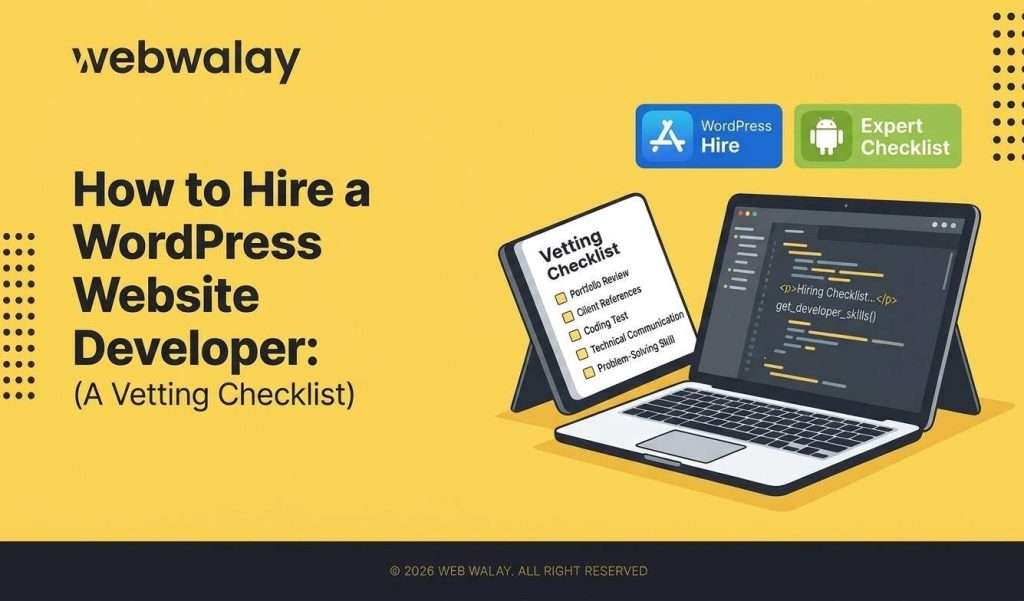
Selecting a technical partner without using a structured evaluation process is a surefire way to ensure that one’s layouts will break, experience downtime, and ultimately be left unfinished. Because WordPress powers so many websites around the world, the threshold for qualifying as a professional is essentially nonexistent. You'll see everyone from people learning on their own in a coffee shop to professional agencies that work on big projects.Getting reliable WordPress development services from the start can save you from having to hire another company later to fix problems with a bad setup. A careful checking process reduces the risk of losing money, keeps your launch timeline on track, and ensures that your online store is safe from current internet threats. Explore more about structural partnerships, check out our guide on the top benefits of working with a professional WordPress services agency.The 10-Point Vetting Checklist at a Glance
| SNO | Vetting Area | What to Look For |
| 1 | Portfolio | Live sites, not just mockups |
| 2 | Technical skill | Custom themes, plugin development, PHP |
| 3 | Security practices | Update policy, backups, malware protection |
| 4 | Performance | Page speed, image optimization, caching |
| 5 | Communication | Response time, project updates |
| 6 | References | Verifiable client feedback |
| 7 | Pricing model | Fixed vs. hourly, scope clarity |
| 8 | Contract terms | Ownership, revisions, timelines |
| 9 | Support plan | Post-launch maintenance included or extra |
| 10 | SEO awareness | Clean code, structured data, mobile-first build |
Step 1: Review Their Portfolio and Past Work
Never take a developer's word at face value based on static PDF design mockups or screenshots. Anyone can paste a gorgeous template into a presentation deck, but live production environments tell the real story.- Demand live URLs: Ask for direct links to active, published WordPress sites they have built and deployed.
- Check long-term health: Visit those sites months or years after their launch date. Are they still loading quickly, or have plugins broken and left layout errors behind?
- Look for vertical variety: Ensure they have experience managing your exact business model, be it multi-vendor stores on WooCommerce, membership sites, or corporate content portals.
- Verify authorship: Investigate page source code or footer attributions to ensure the developer created the design and did not simply implement a ready-made theme and replace the logo.
Step 2: Test Their Technical Skills
Creating a solid online presence needs someone aware of how to get into the engine of the CMS instead of completely depending on a bloated drag-and-drop page builder. In assessing an individual for a potential WordPress site builder, certain aspects need to be tested when it comes to knowledge of web technology.- Custom functionality: Ask how they approach creating custom functionality that does not come with pre-built plugins. Do they code custom solutions, or do they stack ten different plugins that will eventually conflict with each other?
- Core competencies: Assess how comfortable they are working with PHP, hooks, filters, and creating custom child themes.
- Performance optimization: Ask them how they plan on handling Core Web Vitals, database optimization, script minimization, and server-side caching.
Step 3: Check Reviews, References, and Reputation
A portfolio shows what a developer can build, but third-party references reveal how they handle stress, tight deadlines, and unexpected technical hurdles.- Direct outreach: Ask for two or three direct customer references from their previous work on projects of comparable size and call them up personally.
- Cross-platform validation: Check reviews from other places, not just the developer's own website. Look at independent websites, Clutch, and community discussions where previous clients share honest reviews.
- Behavioral patterns: Look out for common issues like complaints about bad communication, missing deadlines, or people disappearing when problems arise.
Step 4: Evaluate Communication and Process
Miscommunication is the quiet killer of all web design ventures. Before you sign any agreement, plan out how the teamwork will go from the start to the finish.- Update cadence: Decide on how frequent updates should be provided, be it through weekly calls, common project management tools, or milestone email updates.
- Access control: Define from the very beginning who owns access to your WordPress admin panel, domain registration, hosting accounts, and API keys.
- Workflow maturity: Seek out an organized production life cycle with separate stages for discovery, wireframe design, core construction, QA testing, and launch.
Step 5: Compare Pricing and Scope of Work
The lowest quote will typically be the most costly decision to make in website development. Most often, low-cost quotes fail to include important factors such as staging testing, mobile responsiveness, and even technical SEO build-ups.- Pricing structures: Fixed pricing is most applicable when building websites with limited scope, whereas hourly pricing is better applied for ongoing iterative projects.
- Itemized scope: Make sure that your contract includes all the deliverables: page count, post type customization, third-party software integrations, and revision cycles.
- Hidden exclusions: Always check what isn’t included in the estimate so you don’t get unexpected bills for basic security features like hardening or setting up SSL.
Step 6: Confirm Post-Launch Support and Maintenance
Putting your site online is just part of the challenge. WordPress sites need regular maintenance to stay safe, work well with new PHP updates, and avoid any issues with missing connections.- Maintenance retainers: Check if the developer or agency provides ongoing support or helps fix problems quickly.
- SLA commitments: Make sure they promise quick response times for serious security problems or if the site goes down after it launches.
- Handover documentation: Make sure you get clear documents or training, so your team can handle everyday content updates without messing up the overall style.
Red Flags to Watch For When Hiring a WordPress Developer
Knowing what to watch for is only part of the challenge; noticing warning signs early can save your company a lot of money. Be careful of these warning signs during your interviews:- Evasion on portfolios: Reluctance to share live, clickable links to past client work or providing vague excuses about non-disclosure agreements for every single project.
- Ambiguous asset ownership: Hesitation or vague answers regarding who holds final ownership of your domain, hosting, and source files once final payment clears.
- Missing support terms: Total silence regarding what happens after the site goes live, leaving you stranded the moment a plugin update breaks your checkout form.
- Contract pressure: Pushing hard to start work immediately without executing a formal, detailed written contract outlining milestones and deliverables.
Where to Find a Reliable WordPress Website Developer
Selection of talent will depend on the scale of your digital vision. While solo freelancers can work well for fast fixes or small projects, well-established company will always come with their own built-in accountability and a multifunctional team consisting of designers, engineers, and QA testers.Compare local agencies if you value synchronized communication and aligned time zones. Always ask to look at agency case studies relevant to your specific industry before committing. For a closer look at regional options, read our analysis on WordPress development companies in Pakistan.Explore Webwalay's WordPress Development Services →Conclusion
Picking the right WordPress partner helps protect your website from expensive technical issues and security problems. By carefully checking current projects, skills in building designs, and support systems after launching, you set your business up for growth in the future. Focus on being open and using proven results instead of taking cheap shortcuts to achieve long-term success.Partner with Webwalay, your expert WordPress website developer, for high-performance architecture and rigorous technical vetting.FAQs
What should I look for when hiring a WordPress developer?
How much does a custom WordPress developer charge?
What's the difference between a WordPress developer and a general web developer?
Can a WordPress developer build custom plugins?
How long does it take to hire and onboard a WordPress developer?
Should I hire a freelancer or an agency for WordPress development?